
Digital Startup Tech · Washington, DC / Maryland / Virginia

Make your businesswork better.

Software, automation and immersive experiences. Start with what you need to improve.

Imagine the next step · 01 / 04

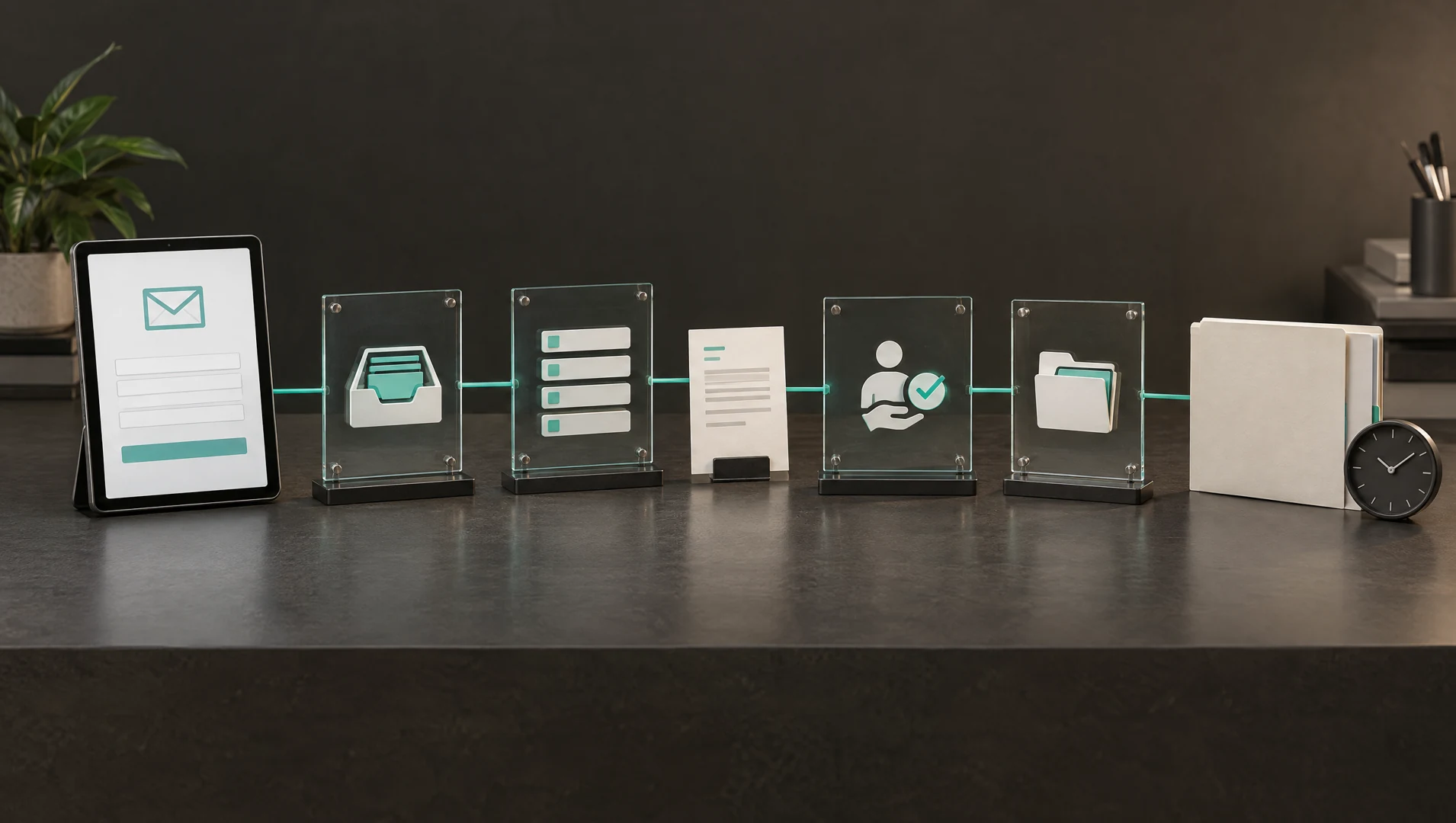
A request. A clear next step.

Explore without an email. Sources and a brief you can review.

See the work take shape
The work comes first

Too much effort between one step and the next?

A request in one inbox. A spreadsheet in another. An answer nobody knows where to find.

We start there. Understand the process, connect the useful pieces and build only what the team needs to move forward.

See how we work
01 / 04 · Discovery

Choose the path.Define the scope.

A real task becomes a process map, a comparison and a first phase the team can test.

Explore this service

The work, step by step

  1. Describe the task

    Identify the request, the people and the tools involved.

  2. Compare the paths

    Review process changes, configuration, integration and development.

  3. Define the first phase

    Make the boundaries, dependencies and acceptance criteria explicit.
Concept demonstration
02 / 04 · Automation and AI

Move the work.Keep the review.

An incoming request follows explicit rules, reaches a review point and ends with a visible next action.

Explore this service

The work, step by step

  1. Receive the request

    Check the agreed inputs and identify missing information.

  2. Apply rules and review

    Route routine work and return exceptions or sensitive actions to a person.

  3. Record the next action

    Show the owner, status and outcome of the agreed step.

Concept demonstration
03 / 04 · Operational software

Bring the taskinto one place.

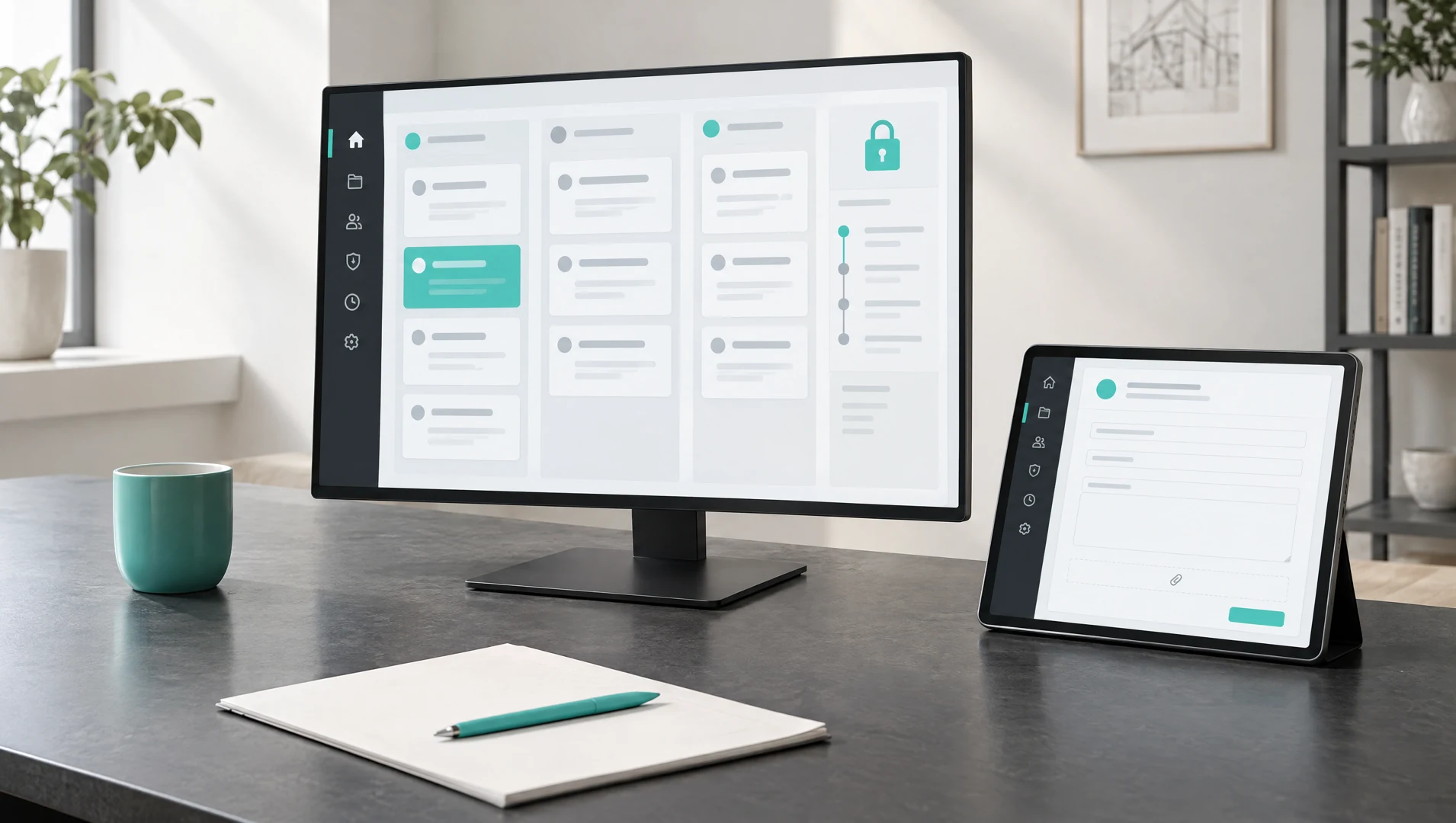
A request becomes a shared record with a status, an owner and access matched to each role.

Explore this service

The work, step by step

  1. One shared record

    Organize the information needed to complete the agreed task.

  2. The right view and role

    Show the current status and enforce who can see or change each item.

  3. A completed task

    Test the useful workflow, access rules and recovery together.

Concept demonstration
04 / 04 · Spatial experiences

See the product.Test it in space.

One spatial scene lets a person inspect shape, placement or an interaction before broader production.

Explore this service

The work, step by step

  1. A product or scene

    Review authorized assets and what the audience needs to understand.

  2. One useful interaction

    Prototype inspection, placement or navigation on a defined platform.

  3. A practical user test

    Observe whether the scene answers the question and provide a conventional alternative.

Concept demonstration
Scroll to follow the work
Four directions. One starting point.

Build around what you need.

Begin with the task. The right scope may be a clearer plan, a connected workflow, a useful tool or a focused experience.

01

Discovery and project direction

Turn one operational problem into a clear scope, with options your team can compare.

The practical outcome

A decision you can explain: the first workflow, its limits, its dependencies and how to judge a useful result.

Review the scope
Concept film of scattered work becoming an organized process and a project blueprint.From input to outcome
Original concept filmAn explanation of the service. Not a client case study.

Follow one recent request to find where information, ownership or progress becomes unclear.

Input

Start with an authorized example and the tools used to complete it.

02

Automation and applied AI

Connect a recurring workflow, make exceptions visible and review AI before sensitive actions.

The practical outcome

A bounded workflow with clear status, review points, logs and a way to pause or recover.

Review the scope
Concept film of an incoming request moving through connected workflow stages and a review point.From input to outcome
Original concept filmAn explanation of the service. Not a client case study.

Organize an incoming request without hiding missing information or exceptions.

Input

Receive the agreed fields through an authorized channel.

03

Software and operational portals

Give your team a shared place to complete a task, see its status and control access.

The practical outcome

A usable first workflow with defined roles, data and acceptance tests, plus documentation for handover.

Review the scope
Concept film of a shared operational portal arranging requests, status and role based views.From input to outcome
Original concept filmAn explanation of the service. Not a client case study.

Give a team one place to receive a request, see its owner and follow its status.

Input

Capture only the information needed for the agreed task.

04

3D and immersive experiences

Test whether a spatial view or interaction helps someone understand a product, place or task.

The practical outcome

A testable spatial prototype with a clear use case, platform and accessible alternative.

Review the scope
Concept film of a product taking shape and being placed inside a spatial scene.From input to outcome
Original concept filmAn explanation of the service. Not a client case study.

Let a visitor inspect a model on an ordinary screen with a clear purpose and controls.

Input

Check model rights, detail and suitability for the target browser.

What good work should give you

Clarity you can work with.

Explore our services

Know what happens next.

Clear states, an owner and the next action in the workflow.

Connect the tools you already use.

Compare configuration, integration and a focused build.

Review AI before it acts.

Visible sources, human review and a plan for exceptions.

Operate what we deliver.

Access, documentation and an agreed scope for continuity.

Digital Startup Tech

Make the work clear. Give your team a practical next step.

A practical method

From a need to a next step.

Exploration helps you prepare. A person reviews the fit, and a proposal defines what happens next.

01

Describe the work.

Share the task, current tools and what gets in the way.

02

Review a direction.

Inspect the sources, compare options and edit your brief.

03

Agree on the next step.

Send the reviewed request. We evaluate fit and scope together.

Inspect the work

A demonstration. A clearer conversation.

These are internal demonstrations with visible scope and limitations. Try the interaction and see what a focused direction could look like.

Before your next step

Useful answers. Clear expectations.

Understand the starting point, the review and the scope before sharing a request.

Must we replace our current tools?

We first compare configuration, integration and development. A tool may already support the task you need. Access permissions, provider capabilities and the condition of your data determine what can connect.

Can we start with one workflow?

Yes. A first phase can focus on one recurring task, its users, data, dependencies and acceptance criteria. We review what must stay manual and what must be excluded before proposing implementation.

Is the explorer response a quote?

It is a direction and an editable brief based on the public catalog. It is not a quote or commitment to deliver. Scope, price, dates and support require a reviewed proposal and agreement.

What does a person review when AI is involved?

Review depends on the task. We define approved sources, output checks, exceptions and who can approve an action. Sending messages, changing important records or making commitments needs the controls agreed for that workflow.

Can I use the site without AI?

Yes. Service pages, guides, internal demos and direct contact remain available. The explorer can offer catalog based orientation when live AI is unavailable. You can edit a project brief before choosing to submit it.

Who controls the accounts, data and code?

The proposal identifies the account owners, access permissions, delivered code, reusable components and third party licenses. A handover includes the agreed documentation and access inventory. Ownership must be clear before work begins.

What does ongoing support include?

Covered systems, tasks, hours, response arrangements and consumption limits are agreed separately. Maintenance, provider incidents and new features have different scopes. There is no general promise of unlimited work or continuous human availability.

What happens after I send a project request?

A successful form confirmation indicates that the request was recorded. Notification and booking have separate statuses. We review fit and the next step; submitting a request does not create a contract or guarantee a meeting time. Direct email and phone are available if the form cannot complete.

Your next move

Start with the work.
Make the next step clear.

Describe what your team needs to improve. Explore a direction and prepare a brief you can review.

Explore a directionExploring does not send a request. You choose when to share it.